Pentimo
ProductWhy PentimoDesktop / Cloud
DarkLight
Download↓

pentimento (n.) — an earlier layer of a painting, visible beneath the surface; the artist’s revision, preserved.

Never lose an AI coding session again.

Pentimo automatically preserves sessions from Claude Code, Codex, Pi, and OpenCode.

Download Pentimo↓

macOS · AI session archiveLocal by default. Cloud optional.

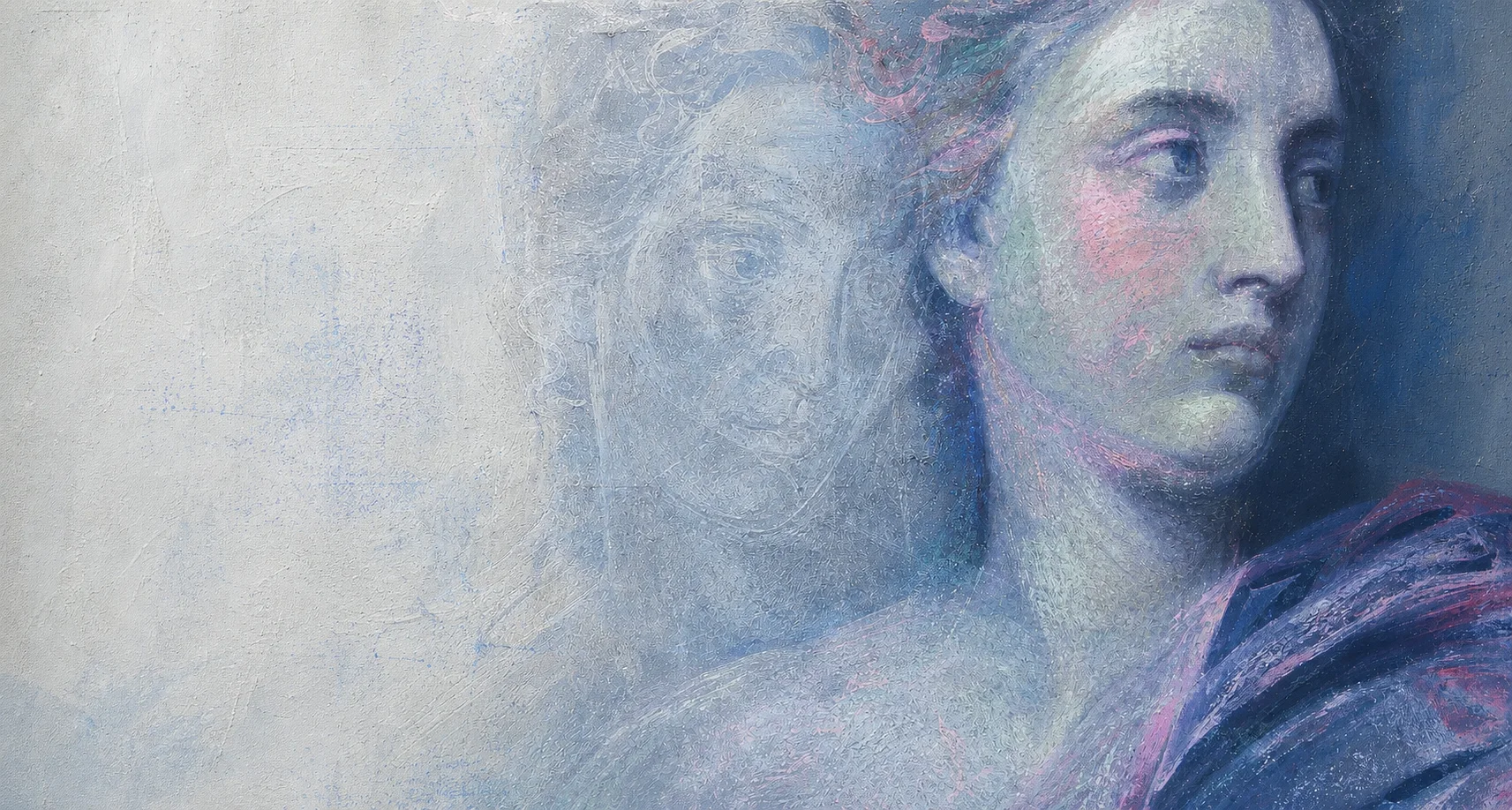
A gallery-lit painted portrait with a pale earlier face visible behind it.Pigment study · illustrative
Visible surfaceThe earlier composition remains.
Claude CodeCodexPiOpenCodeOne archive
Illustrative Pentimo Desktop preview in the Gallery Pigments theme, showing sessions grouped by agent and project beside a rendered transcript with user and agent conversation maps. Faint source-native events remain visible beneath the normalized transcript.
Pentimo DesktopGallery Pigments theme
This machineLocal archive

projectpentimo

sourceclaude-code · main

YouAgent
Search sessions…
Agent4 sources
AllClaudeCodexPiOpenCode
ProjectsRecent

pentimo2

CLfix oauth refresh loopmain · 8m
CXdesktop release checksbeta · 2h

happystack1

CLprovider review flowzest · 1d

visible archive layers
this machine · private

fix oauth refresh loop

pentimo · claude-code · main · this machine

Create continuation pack

source-native · revision 02 · preserved beneath

14:22:41 tool_use · read src/auth/refresh.ts:88–14114:24:03 tool_result · pnpm test auth — 3 failed14:31:56 edit · src/auth/refresh.ts +18 −714:38:12 tool_result · pnpm test auth — 21 passed

You · 14:22

Tokens expire mid-session. Where is the refresh loop, and why can both requests race it?

Claude Code · 14:39

Root cause

The refresh call and expiry check read the same stale token state. Both requests enter the branch before either one writes the replacement.

  • serialize refresh work behind one in-flight promise
  • re-check token state after acquiring the lock
const token = await refreshOnce()
return retry(request, token)

21 auth tests now pass. The source-native transcript remains available beneath this rendered view.

pnpm test auth → 21 passed

Illustrative Desktop view · based on the current Pentimo interface

Your sessions, already there.

Open Pentimo and see the work your coding agents left across projects.

Every agent, together

Browse sessions by project without remembering which coding agent created them.

The complete session

Read the conversation, commands, file changes, and outcomes as one durable record.

Ready to continue

Find the exact work you need and carry cited context into the next session.

AI coding history is less durable than it looks.

The work feels permanent while it is open. Afterward, its survival depends on the agent, the machine, and how much local state has accumulated.

Deleted

The agent can remove the history you expected to keep.

Retention belongs to each tool. A useful session can disappear before you realize it was the only record of the work.

Scattered

Every agent keeps a separate history.

Claude Code, Codex, Pi, and OpenCode store sessions differently, often on only one machine.

Growing

Session history can consume significant disk space.

Local histories accumulate across agents. Pentimo manages its archived-session copy, not vendor worktrees or unrelated agent state.

You decide where the archive lives

Keep it here. Keep it in Cloud. Or both.

Pentimo Desktop preserves sessions locally without requiring sign-in. With Pentimo Cloud, sync is enabled separately and you choose whether an uploaded archive also remains on this Mac.

Desktop only
The archive stays on this Mac. No Cloud account or sync.
Desktop + Cloud
Keep the local archive and a separately enabled Cloud copy.
Cloud archive
After verified upload, remove Pentimo’s local archive copy to free space.

Keep the session before it disappears.

The release download will be connected here before launch.

Pentimo

The work beneath the code, preserved.

© 2026 Pentimo